Adalo: review, pricing and alternatives
What is Adalo?
When I first heard about Adalo, it was pitched as a game-changer for anyone wanting to build mobile and web applications without touching a single line of code. And honestly, it largely delivers on that promise. At its core, Adalo is a no-code development platform designed to empower entrepreneurs, small businesses, and even individual creators to transform their app ideas into functional realities with surprising speed and ease.
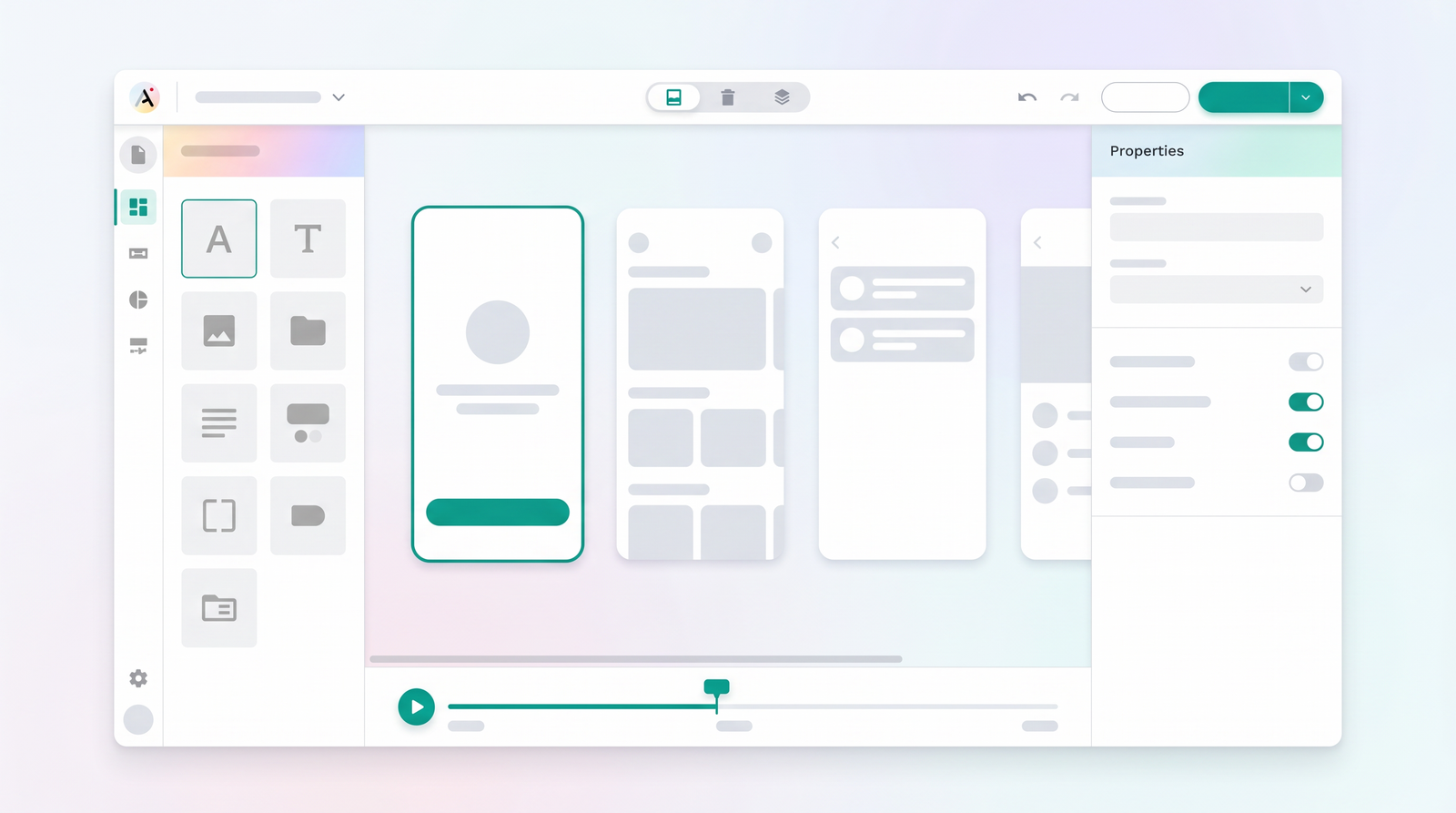
What truly sets Adalo apart in the crowded no-code space is its visual-first approach. From the moment you log in, you're greeted with a drag-and-drop interface that makes the entire app creation process feel more like designing a presentation than coding. It's a blank canvas, as many users describe it, offering a level of creative freedom that can be exhilarating for those new to app development. This visual methodology extends to every aspect, from designing user interfaces to defining database relationships and setting up complex actions.
Adalo emerged from a desire to democratize app development, bringing powerful tools to non-technical users. It's built on the principle that you shouldn't need to learn programming languages or understand intricate backend architecture to launch a functional application. Instead, it provides a layer of abstraction, allowing you to focus purely on the user experience and the logic of your app. For me, it felt like finally having the keys to a kingdom that was previously guarded by developers.
This platform isn't just about building pretty interfaces; it's about creating fully interactive applications. Whether you're aiming for a simple directory, a community platform, or a robust internal tool, Adalo provides the foundational elements. It's truly a platform that transforms the app creation process for non-developers, making it an accessible and often enjoyable journey from concept to launch.
Key Features Overview
Diving into Adalo, you quickly realize its power lies in a few core functionalities that streamline the entire development process. The most prominent, and arguably the most impactful, is its intuitive visual editor. This isn't just a basic drag-and-drop tool; it's a comprehensive environment where you can design every screen of your application, place components, and define interactions with precision. It feels less like a rigid template and more like a digital canvas where you're truly painting your app's user experience.
Complementing the visual editor is Adalo's extensive component library. Think of these as pre-built LEGO bricks for your app: buttons, text inputs, lists, images, maps, forms, and more. What's impressive is the variety and customizability of these components. You can easily tweak their appearance, behavior, and data sources, allowing for a high degree of personalization without writing any code. This library significantly speeds up development, enabling you to assemble complex interfaces quickly and efficiently.
Another standout feature is the integrated database. Unlike some other no-code tools that require external database solutions, Adalo comes with its own robust, easy-to-use database built right in. This means you can create collections, define properties (like text, numbers, images, and relationships), and populate your app with dynamic content seamlessly. Connecting your UI components to this database is straightforward, allowing for dynamic lists, user profiles, and data-driven content without any complex API integrations, at least not initially.
Finally, Adalo offers direct app store publishing capabilities for both iOS and Android. This is a huge advantage for many users. Once your app is built and tested, Adalo guides you through the process of submitting it to the Apple App Store and Google Play Store. While there are still some steps involved outside of Adalo (like developer accounts), the platform greatly simplifies what can often be a daunting and technical hurdle for non-developers. This native app publishing, alongside web app deployment, makes Adalo a truly comprehensive solution for getting your creation into the hands of users.
How Adalo Works: Getting Started
One of Adalo's strongest selling points, in my opinion, is how incredibly easy it is to get started. When you first sign up, you're not overwhelmed with complex dashboards or coding environments. Instead, you're typically prompted to choose between starting with a blank canvas or selecting from a range of pre-built templates. For beginners, I always recommend exploring the templates. They provide a fantastic starting point, giving you a functional app structure that you can then customize to your heart's content.
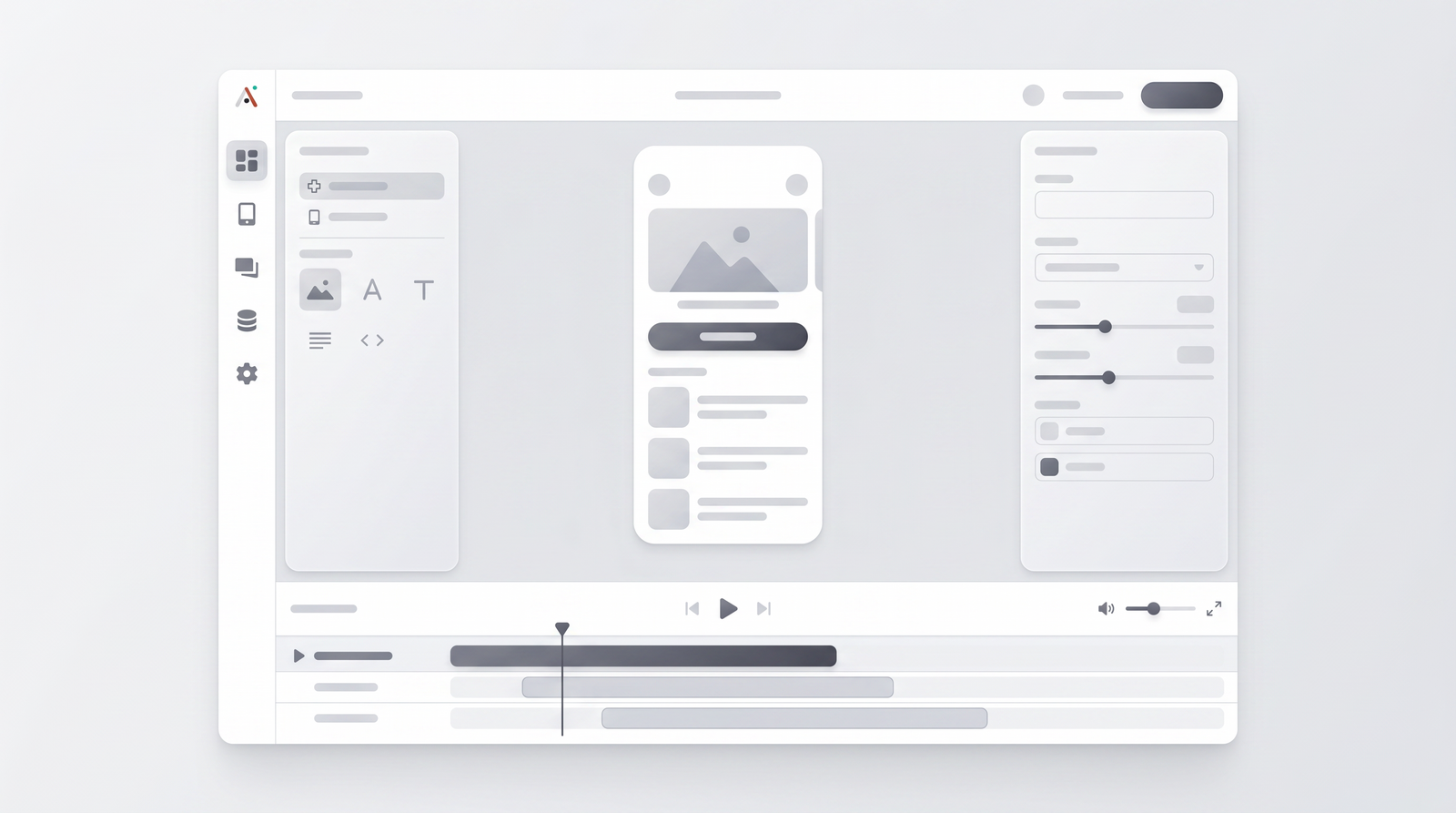
The app creation process itself is highly visual and interactive. You begin by designing your app's screens. Imagine sketching out your app on a whiteboard; Adalo's editor functions in a very similar way. You drag components onto a screen, resize them, arrange them, and then configure their properties. For example, if you drag a text input component, you can immediately define its placeholder text, whether it's for an email address, password, or general input. This immediate visual feedback makes the process highly intuitive and reduces the learning curve significantly.
Connecting screens and adding functionality is done through what Adalo calls 'actions'. You select a component, like a button, and then define what happens when a user taps it. This could be navigating to another screen, logging in a user, submitting data to your database, or even triggering an external API call. The action builder is a step-by-step wizard that guides you through the logic, making even complex workflows manageable for someone without a technical background. It's this guided approach that makes Adalo so accessible.
What I keep coming back to is how quickly you can see your ideas come to life. Within an hour or two of exploring, I was able to build a basic functional prototype with multiple screens and data interactions. Adalo's platform is designed to help non-technical users turn their ideas into working applications with remarkable speed. It truly lives up to the reputation of being an accessible platform for users with no-coding experience, making the initial setup and ongoing development a surprisingly smooth journey.
Adalo Pricing and Plans
Understanding Adalo's pricing structure is crucial for anyone considering the platform, especially because the free plan, while generous for testing, has some significant limitations. Adalo generally offers a tiered pricing model, moving from a free option to various paid subscriptions that unlock more features, higher limits, and greater control. It's designed to scale with your needs, but it's important to know what you're getting at each level.
The free plan is an excellent starting point. It allows you to fully test the builder, design your app, and even publish a web app. This is perfect for prototyping, validating ideas, and getting a feel for the platform's capabilities. However, a key restriction to be aware of is that the free plan does not allow you to publish native mobile apps to the iOS or Android app stores. Your app will also carry Adalo branding, and you'll have limitations on the number of database records and app collaborators. For serious development or public launch, you'll inevitably need to upgrade.
As you move into the paid tiers, you'll find plans designed for individuals and small teams, often starting in the range of $50-75 per month. These plans typically remove Adalo branding, allow for custom domains for web apps, and crucially, enable native mobile app publishing. They also significantly increase your database record limits and provide more API requests, which are essential as your app grows. Higher tiers cater to larger teams or more demanding applications, offering increased performance, dedicated support, and advanced features.
It's vital to assess your project's needs against these tiers. For instance, if your goal is just to quickly validate an app concept with a small user base, the free plan might suffice for initial prototyping. But if you're aiming for a public launch and want users to download your app from an app store, budgeting for a paid plan is a necessity. Keep an eye on the database record limits, as these can be a silent killer if your app gains popularity and starts accumulating a lot of data, as some users have pointed out about potential struggles with millions of rows.
| Plan | Price | Best for |
|---|---|---|
| Free | $0/month | Prototyping, learning, testing the builder, basic web apps with Adalo branding. |
| Starter | ~$50-75/month | Launching one native mobile app, custom web domains, increased database records, no Adalo branding. |
| Pro/Business | ~$150-250+/month | Multiple native apps, higher performance, larger database limits, team collaboration, priority support. |
Pros of Using Adalo
From my experience, Adalo brings a lot to the table, especially for those looking to bypass traditional coding. One of its most compelling advantages is the sheer speed of development it enables. I've found that I can go from an idea to a functional prototype in a fraction of the time it would take with traditional coding. This rapid development capability is invaluable for entrepreneurs and small businesses who need to validate app concepts quickly or launch an MVP (Minimum Viable Product) without a significant upfront investment in development resources.
The user-friendliness of the platform is another major pro. Adalo truly excels at accessibility, making it possible for non-technical users to turn their ideas into working applications. The drag-and-drop interface, combined with logical action flows and an integrated database, creates an environment where building an app feels intuitive rather than daunting. It's quite literally a blank canvas that allows you to make any type of app, and the process is often described as 'fun' by users, which isn't something you hear often about app development!
Furthermore, the Adalo community is a significant asset. When you're working with a no-code platform, having a strong support network can make all the difference. Adalo boasts a vibrant and helpful community, complete with forums, tutorials, and a wealth of learning content. If you run into a problem or need inspiration, there's usually someone within the community who has faced a similar challenge or can offer guidance. This collective knowledge base makes the journey much smoother, especially for beginners.
Finally, the ability to build both web and native mobile applications from a single platform is a huge plus. This dual functionality means you don't have to choose between reaching users on their phones or through a browser; you can do both. For anyone looking to quickly create beautiful apps without all the headaches of traditional app development, Adalo provides an incredible platform with loads of potential, making app development accessible to a much broader audience.
Cons and Limitations of Adalo
While Adalo is undoubtedly a powerful tool, it's essential to approach it with a clear understanding of its limitations. My own experience, and what I've consistently heard from other users, points to a few recurring complaints that can be frustrating. The most significant concern often revolves around performance, especially as an application scales. While Adalo is excellent for simple apps and prototypes, it tends to struggle with bugs and performance issues once an app gains popularity or starts handling a large volume of data. If your app is designed to manage millions of rows of data, like extensive meal or workout logs, you might encounter slowdowns or unexpected behavior.
Another common frustration is the presence of software bugs and occasional crashes. While the platform is constantly evolving, it's not uncommon to encounter glitches or unexpected errors during development or even in a live app. As one expert candidly put it,
The hard truth about Adalo is that it's is an amazing platform... But be prepared for bugs, crashes, and other issues.This isn't to say it's unusable, but it means you need to factor in potential troubleshooting time and be prepared for less-than-perfect stability, especially with complex functionalities.
Customer support responsiveness is another area that frequently draws criticism. While the community is strong, direct support from Adalo, particularly for paid users, can sometimes be slow. If you're paying a monthly fee and encounter a critical issue, waiting for a resolution can be a significant bottleneck, impacting your development timeline or live app's functionality. This can be particularly frustrating for businesses relying on their Adalo-built applications.
Lastly, while Adalo's simplicity is a strength, it can also be a limitation. For highly customized features, complex integrations, or very specific UI/UX requirements that fall outside its component library, you might hit a wall. While custom actions and external APIs can extend its capabilities, there are still boundaries to what can be achieved without traditional coding. It's a trade-off: ease of use often comes with some degree of constraint on ultimate flexibility and scalability for enterprise-level applications.
Who is Adalo Best For? (Use Cases)
Based on my time with Adalo and the general consensus among its users, it's clear that the platform shines brightest for specific types of projects and user profiles. If you're an entrepreneur with an innovative app idea but lack coding skills, Adalo is absolutely worth considering. It's excellent for entrepreneurs and small businesses wanting to validate app concepts quickly. You can build an MVP, test market demand, and gather user feedback without investing heavily in a development team or months of coding.
Adalo is also perfectly suited for individuals or small teams looking to build internal tools or simple utility apps. Imagine needing a custom app to manage a small inventory, track team tasks, or create a simple directory for your community. For these kinds of applications, where the logic isn't overly complex and the user base is manageable, Adalo provides an incredibly efficient development path. It helps non-technical users turn ideas into working apps quickly and effectively.
Furthermore, I often recommend Adalo for beginners and for prototyping. Its intuitive interface and visual editor make it an ideal learning ground for understanding app logic, user flows, and database structures without the added complexity of syntax. It's a fantastic way to dip your toes into app development, build confidence, and gain a practical understanding of how applications are constructed. You can literally create a functional app in a day or two, which is incredibly motivating for new creators.
However, it's important to set realistic expectations. While Adalo can build a wide range of apps, it's best for those that don't require extremely high performance under massive scale, highly complex custom logic, or unique, cutting-edge UI/UX elements that can't be achieved with its component library. It's a solid choice for straightforward applications, community platforms, directories, and internal tools, but perhaps not for the next TikTok or a massively multiplayer online game. It excels at helping you get a functional app out the door quickly to achieve a specific, well-defined purpose.
Adalo Alternatives and Comparisons
The no-code landscape is vast and constantly evolving, and Adalo sits comfortably within it as a strong contender, particularly for mobile-first applications. However, it's important to understand how it compares to other platforms, as each has its own strengths and weaknesses. When people ask me about alternatives, the first one that often comes to mind is Bubble. Bubble is arguably more powerful and offers greater flexibility for complex web applications, allowing for intricate custom logic and design. However, this power comes with a steeper learning curve. Adalo is generally much easier to pick up, especially for those new to app logic, making it a better entry point for many.
Another common comparison is with platforms like Glide or AppGyver. Glide excels at transforming data from spreadsheets into beautiful, functional mobile apps, often faster than Adalo for certain use cases. It's fantastic for simple data-driven apps or directories. AppGyver (now SAP Build Apps) offers more customization potential and can build very sophisticated apps, but it leans closer to low-code with a more technical interface. Adalo strikes a good balance, offering more design freedom than Glide but being more user-friendly than AppGyver for pure no-code mobile app creation.
For those focused purely on website building, Webflow is a dominant force, offering unparalleled design flexibility and CMS capabilities without code, but it's not designed for native mobile apps in the same way Adalo is. On the other hand, platforms like Softr or Stacker are excellent for building web applications and portals on top of existing data sources like Airtable or Google Sheets. Adalo’s integrated database provides a different approach, often simpler for managing data directly within the platform.
Ultimately, the choice depends on your specific needs. If your priority is native mobile app deployment with a visual, intuitive builder and an integrated database, Adalo stands out. If you need immense flexibility for web apps and are willing to invest more time in learning, Bubble might be better. If you’re building simple data-driven apps from spreadsheets, Glide could be your go-to. It’s always good to explore and compare; you can see how it stacks up against alternatives on Top10k.
The Verdict: Is Adalo Worth It in 2026?
After spending considerable time with Adalo, building various prototypes and even a few live applications, I can confidently say that its worth in 2026 largely depends on your specific goals and expectations. For a certain segment of users, Adalo remains an incredibly valuable and often indispensable tool. If you're an entrepreneur looking to validate an app idea quickly, a small business needing a custom internal tool, or a beginner eager to dive into app development without coding, Adalo is absolutely worth it.
Its strengths – the intuitive visual editor, rapid development capabilities, and direct native app publishing – make it an excellent choice for getting functional applications into the hands of users with remarkable speed. It truly democratizes app creation, allowing non-technical individuals to bring their visions to life. The active community and wealth of learning resources also contribute significantly to a positive user experience, providing support when you inevitably hit a snag.
However, it's crucial to acknowledge its limitations. Adalo is not a magic bullet for every app development challenge. The recurring issues with performance at scale, occasional software bugs, and sometimes slow customer support responsiveness are real concerns that you must factor into your decision. If your project demands enterprise-level scalability, highly complex custom features that push the boundaries of no-code, or requires bulletproof stability from day one, you might eventually find Adalo restrictive or frustrating.
In conclusion, Adalo is an amazing platform with loads of potential, especially for what it sets out to do: make app building accessible. It's a solid no-code web and mobile app builder that I usually recommend for beginners and for prototyping. For those specific use cases, where the goal is rapid iteration, quick market entry, and a focus on core functionality rather than extreme customization or handling millions of concurrent users, Adalo is undoubtedly a powerful and worthwhile investment in 2026. Just go in with your eyes open about its strengths and weaknesses, and you'll find it can be an incredibly effective tool for your no-code journey.
Full profile and live ranking: https://top10k.com/ai/adalo
Published by

Top10k Tools stands as a suite of online utilities featuring thousands of free online tools built to get things done faster.
The platform covers SEO, file conversion, calculators, developer utilities, image editing, and productivity. All tools are free and browser-based, making them quick to access anywhere.
The long-term vision is building 10,000 free mini tools that solve real problems.
From freelancers to small teams, Top10k Tools has something useful. Find your next favorite tool.
Frequently asked questions
What is Adalo's free plan like?
Adalo's free plan is excellent for prototyping and learning the platform, allowing you to design and build a functional web app. However, it does not support native mobile app publishing to the iOS or Android app stores, includes Adalo branding, and has limitations on database records and collaborators.
How much does Adalo cost?
Adalo offers a free plan with limitations, and paid plans typically start in the range of $50-75 per month for individual users or small teams. Higher-tier plans for more demanding applications or larger teams can cost $150-250+ per month, offering increased limits, performance, and features.
Is Adalo good for beginners?
Yes, Adalo is widely considered one of the most user-friendly no-code platforms for beginners. Its visual drag-and-drop editor and intuitive action flows make it easy to learn and quickly build functional applications without any prior coding experience.
What are the main drawbacks of Adalo?
The primary drawbacks of Adalo include potential performance struggles with large-scale applications or extensive data, occasional software bugs and crashes, and sometimes slow customer support responsiveness. Its simplicity, while a strength, can also limit highly complex customizations.
Can I publish my app to app stores with Adalo?
Yes, Adalo allows direct publishing of native mobile apps to both the Apple App Store and Google Play Store. However, this feature is typically only available on Adalo's paid subscription plans, not on the free tier.
How does Adalo compare to Bubble?
Adalo is generally easier to learn and excels at native mobile app development, offering a more visual and intuitive building experience. Bubble, while more complex to master, provides greater flexibility and power for building highly customized web applications with intricate logic.
Is Adalo suitable for large, complex applications?
Adalo is best suited for simple to moderately complex applications, prototypes, and MVPs. While it can handle a fair amount of functionality, it tends to struggle with performance and bugs when dealing with very large user bases, extensive data, or highly custom, enterprise-level requirements.
What kind of apps can I build with Adalo?
You can build a wide variety of web and native mobile applications with Adalo, including directories, community platforms, simple social apps, internal tools, utility apps, and event management platforms. It's ideal for projects that prioritize rapid development and a visual building process.